Johns & Mathews Legal
Client Portal
Your estate plan with Johns & Mathews Legal: the guided workbook, your draft documents, your attorney's review and your signing appointment.

Clients
Sign in
Use the email address your attorney has on file. We'll send you a six-digit code. There's no password to remember.
Sign in to the portalNew estate planning clients
Start your estate plan
Open your plan and start the guided workbook today. An attorney is assigned to you and reviews everything before you sign.
Start my planDemonstration: any name and email work, and nothing is charged.
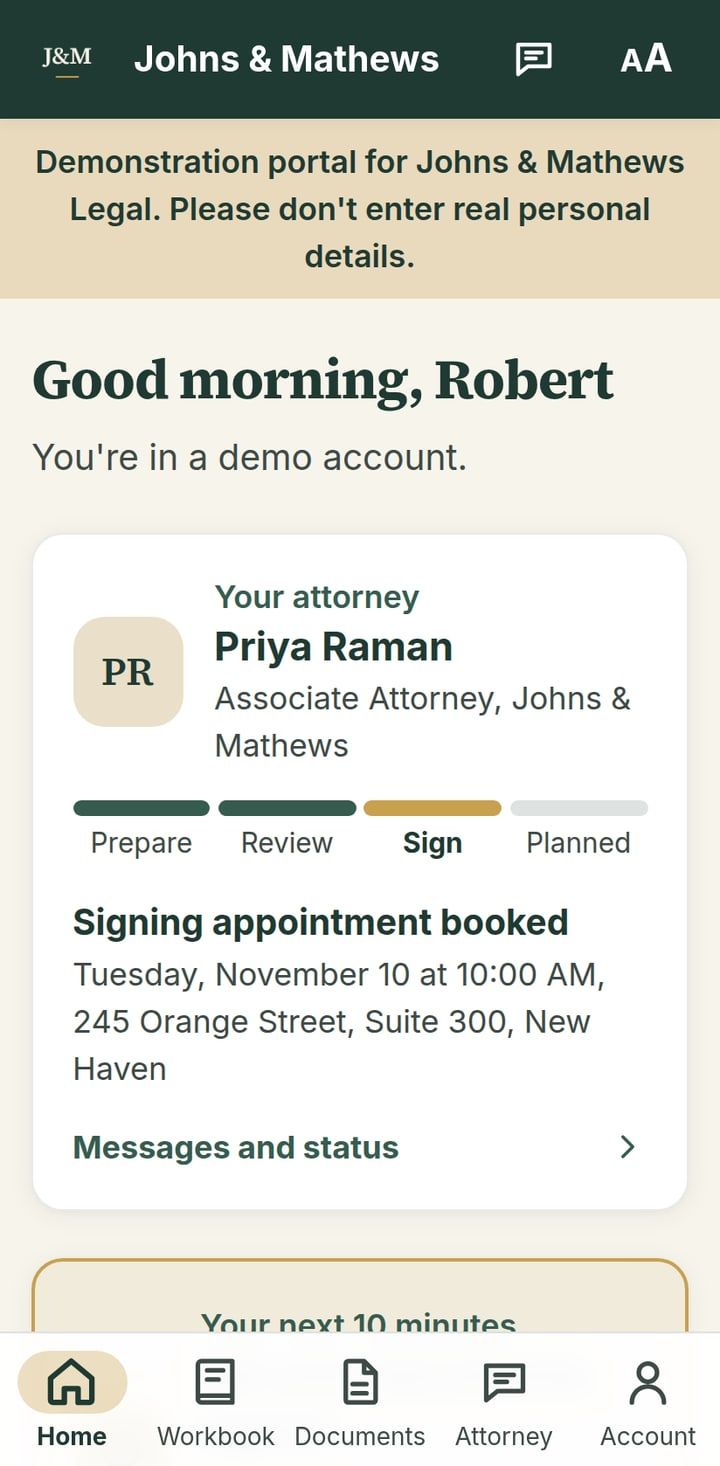
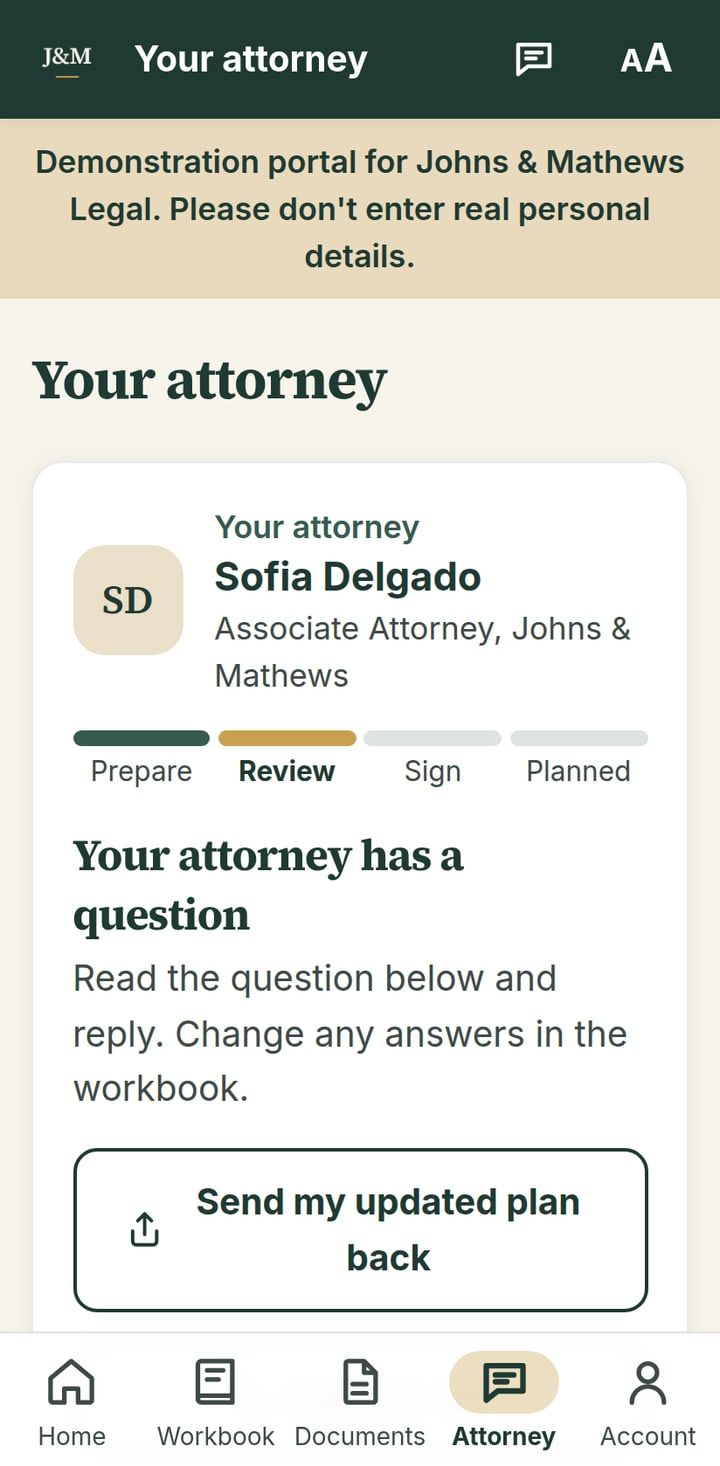
What the portal does
- The workbook. One question at a time, saved as you go, on your phone or computer.
- Your documents. Drafts of your will, powers of attorney and health care directives, updated whenever your answers change.
- Your attorney. Send your plan for review when you're ready, and see where the review stands.
- Signing. Your appointment at our office, and a record of what's been signed.
- Your family. Choose who can see your plan, now or only in an emergency.
Screens from the demonstration portal, with made-up clients.
Your information
Your answers are stored for Johns & Mathews Legal and seen only by you, the people you choose to share with, and the firm's attorneys and staff working on your plan. Read our privacy notice.
Using the portal before you've signed an engagement letter does not make you a client of the firm. Your attorney-client relationship begins when we confirm it in writing.
Need help signing in? Call (203) 555-0148.